Last modified: 2026-03-26 09:55:23
< 2026-03-24 2026-03-26 >Check out the mechanism in a "toy piano": https://www.youtube.com/watch?v=4GAB_MafIxU&t=40s
Only 2 parts! The key part pushes against the hammer part, and the hammer velocity is increased just by leverage, rather than by storing energy in a spring or passing a detent or anything.
So I reckon that would be viable for my keyboard glockenspiel, except I would rather have some damping (but probably easy to add damping without increasing the part count, e.g. have the back end of the hammer do the damping.
But given that this exists, a compliant mechanism that needs a screw and 2 magnets and a separate part for the damper is not really winning anything.
So what if we're more ambitious? A compliant mechanism that doesn't need the screw or the magnets, and includes a damper? So just one part that you peel off the printer and put in the piano and it works straight away.
So the core of this would be like a bistable mechanism for the hammer, except that it doesn't want to actually be bistable, it wants to click over like a bistable mechanism would, to fling the hammer, but still have enough restoring force to reset on its own when the key is released.
So I think start with that, and then based on what I end up with, see where would be a convenient place to put the damper mechanism.
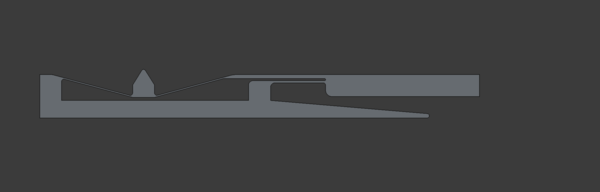
Something like this?
I feel that perhaps the right-hand flexure going to the hammer ought to be thicker than the left-hand one. And perhaps the key pivot needs more stiffness, as that is where the restoring force is coming from. But I'll just print it and try it.
Pressing the key down isn't enough to lift the hammer, so yes I think the right-hand flexure ought to be thicker.
If I hold the key down and force the hammer up then it behaves roughly right, although it is much too stiff used this way, and the joints are fatiguing already.
What about this?
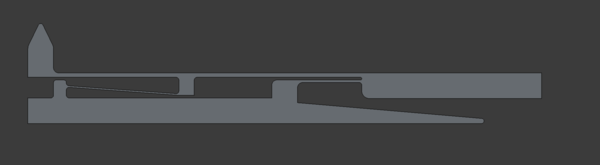
The "over-centre" flexure is too short, doesn't give enough resistance, and doesn't even really move far enough to go over centre.
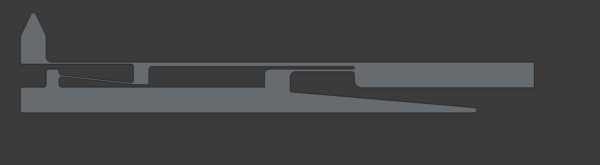
Shortening that flexure, and also thinning the one that goes to the hammer head so that it has an easier chance over-shooting its equilibrium position:
New idea: instead of printing everything to test it, can I test it using the FEM workbench? I can definitely test some things. I can test that if I apply 50 grams to the key then that is enough to make the hammer move upwards. I don't know how to test that it will properly reset.
I can't remember how to do FEM in FreeCAD, when I create a solid material all of the parameters (Young's modulus, density, poisson ratio) are all set to 0 and I can't edit them.
I guess try the latest FreeCAD 1.1 stable and see if it is any better.
The issue was that I was only looking under the "Appearance" materials. The proper versions have the parameters set.
OK good. This is working. Or at least the FEM workbench is... my key mechanism is not.
Forget the over-centre idea, it's too complicated and unnecessary. Remember the "toy piano" mechanism.
Something like this?
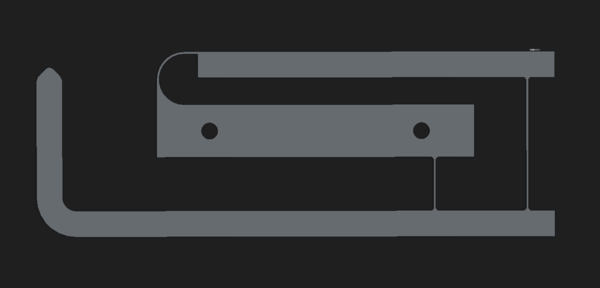
It is just a hammer with leverage. We can change the lever geometry if necessary.
Works in FEM:
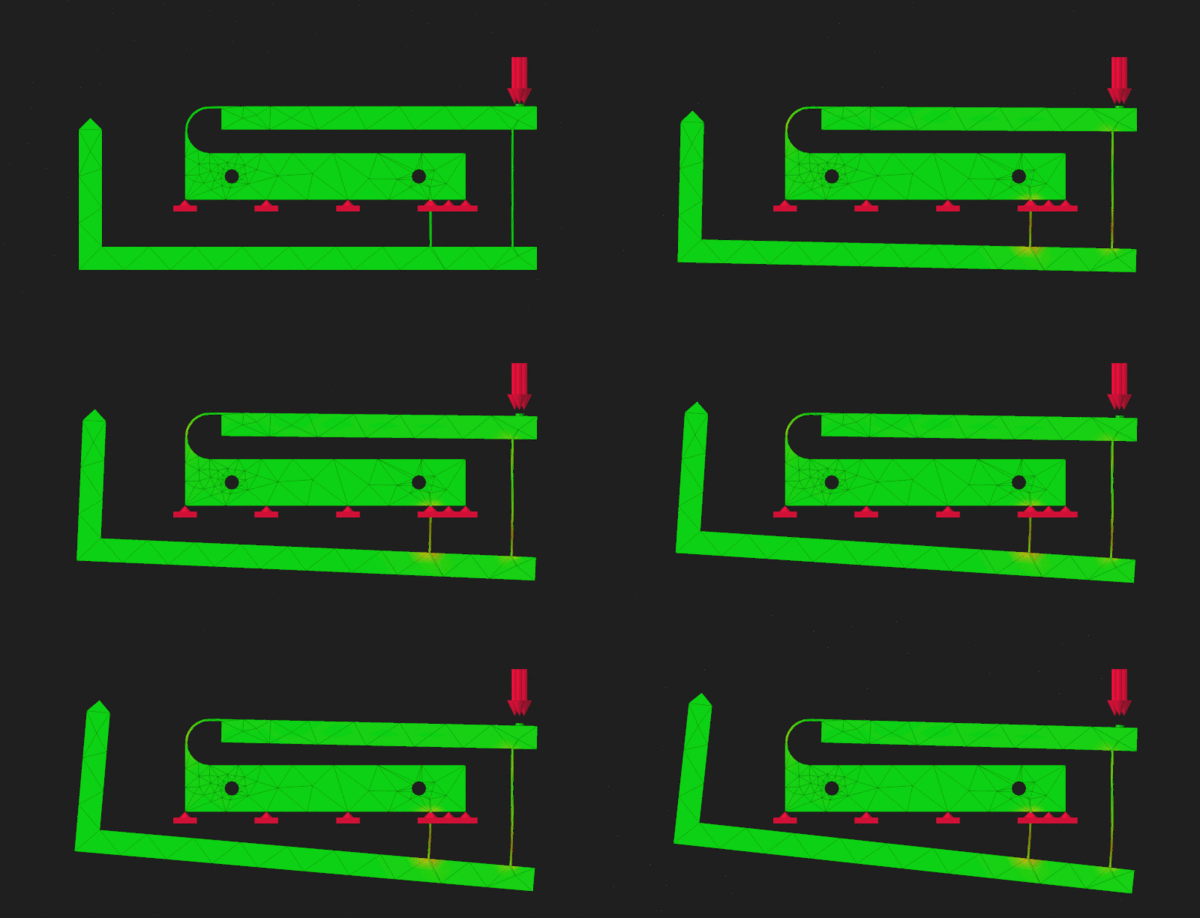
That's increasing force in steps of 5g from 0g to 50g, unless I have misunderstood the force units.
I think I want the key travel to initially not produce very much hammer travel, and then go through a period where it produces a lot of hammer travel, before reducing back down again. That will give a "detent" sort of feel just from the force feedback, and will give a nice quick hammer motion.
OK, so this is promising, but: